 Petr Skoda
Every company has tasks that are done the same way over and over. Retyping data from an email into a system, approving invoices, creating customer records, sending reminders, copying numbers between spreadsheets. A person does them who could be doing something more useful. These are exactly the tasks that make the best candidates for automation, and today you do not need your own development team for it. You only need to choose the right approach and the right tool.
Three approaches that often get mixed up
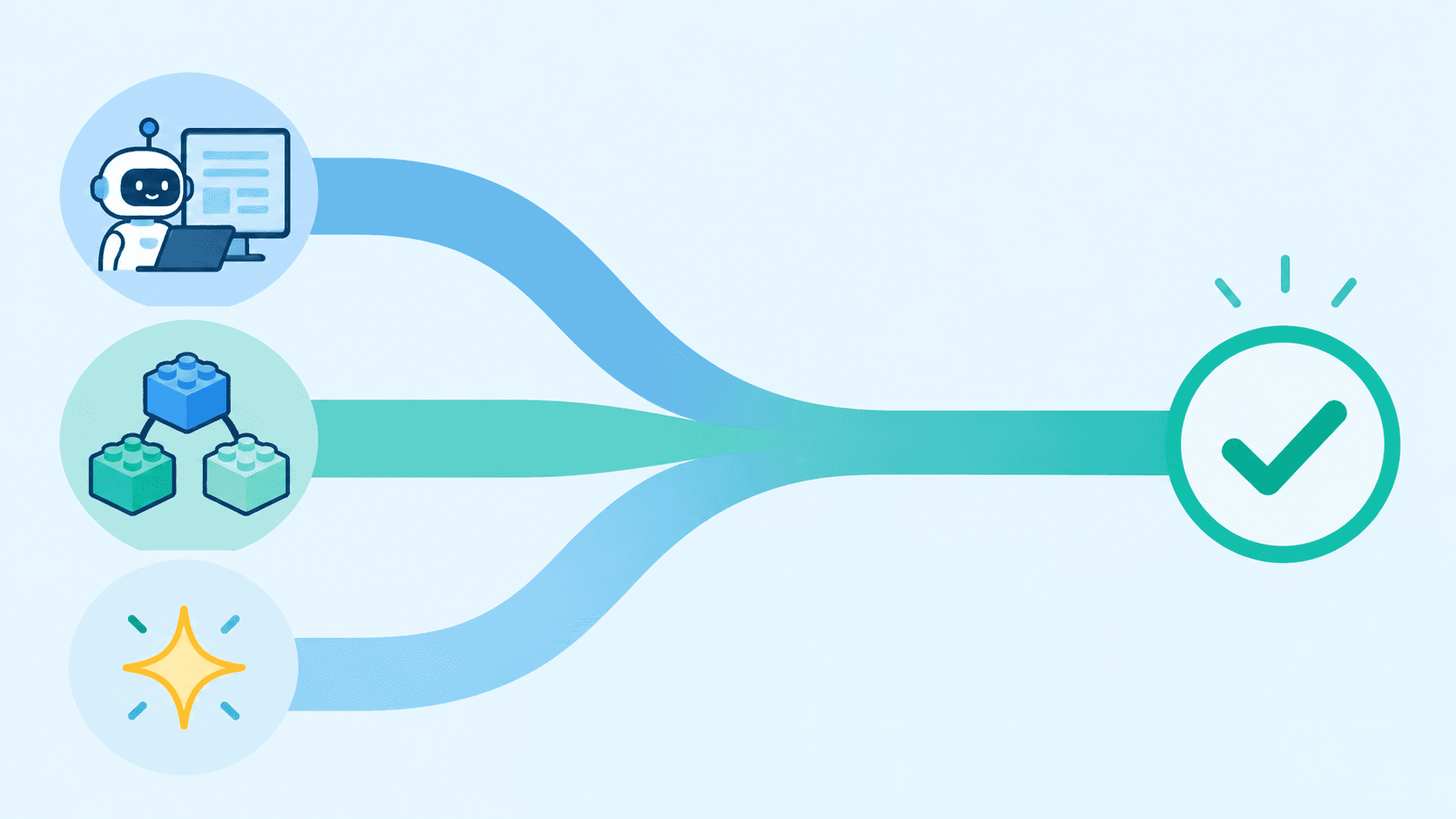
RPA, or robotic process automation, works like a software robot that imitates a person working at a screen. It clicks through an application, copies a value from one window to another, opens a file. It is mostly useful where an old system has no interface to connect to, and the only way in is through its screen.
Workflow automation connects applications to each other through their interfaces. When an order arrives, an invoice is created, a confirmation is sent, and a row is added to a report. It is a fixed sequence of steps that starts on a certain event and makes no decisions on its own.
Agentic workflows add a language model to the process, one that can work with the meaning of text. It reads an email, understands what the customer is asking for, categorizes the request, and drafts a reply. It is a step beyond classic automation because it can handle inputs that have no fixed format. We describe how these models work in our article on how AI actually works.
Tools: Make and Microsoft Power Automate
Make is a tool where automations are built visually from individual steps called scenarios. It offers a wide range of connections to common applications and, more recently, its own AI agents that can be plugged into scenarios. It suits companies that use a mix of different cloud services.
Microsoft Power Automate is the natural choice where a company lives in the Microsoft environment. It includes cloud flows for connecting services such as Teams, SharePoint, or Outlook, desktop flows, which are its take on RPA for Windows applications, and AI add-ons, for example for document processing. An automation can even be described in plain language and partly assembled for you.
What cases it is suitable for
It works best for tasks that repeat often, follow clear rules, and have few exceptions. Typical examples include processing invoices and orders, moving data between systems, creating and updating records, generating reports, sending reminders, approval processes, or onboarding new employees. The more boring and predictable a process is, the better the chance that automation will succeed.
Agentic workflows make sense where inputs are unstructured. Sorting incoming mail, pre-filling replies to customers, reading contracts and invoices in various formats, or routing requests to the right department.
When automation is not a good fit
It does not pay off to automate a process that happens three times a year, or one that changes every month. The cost of building and maintaining it will exceed the time saved. It is also a bad idea to automate chaos. If nobody can describe the process and everyone does it differently, automation will only speed up the mess, so the process needs to be sorted out first.
RPA has a weak spot in that it depends on how an application looks. When a vendor changes a screen, the robot stops and someone has to fix it. Agentic AI, on the other hand, can make a mistake that looks correct at first glance, so it needs checks, a fallback procedure, and human approval for important decisions. The analyst firm Gartner even predicts that a large share of agentic AI projects will be canceled by the end of 2027 because of costs, unclear value, or weak risk controls. It therefore makes sense to roll them out gradually and where a mistake will not destroy anything.
Why this kind of automation pays off
The benefit is fairly easy to calculate. How many minutes a task takes, how many times a month it repeats, and how much an hour of work costs for the person doing it. If automation saves several hours of work per month, it often pays for itself within a few months. On top of that come fewer errors from retyping, faster handling of requests, and employees who have time for work a machine cannot do.
Scalability matters too. A robot or workflow can handle ten times more cases without the company having to hire. And the process ends up documented, because automation requires it to be described step by step.
A combination works best
In practice, a hybrid design works well. Stable steps are handled by a classic workflow or RPA, unclear steps are resolved by a language model, and its output is checked against fixed rules. Cases where the model is unsure go to a person. That way you get both the reliability of classic automation and the flexibility of AI.
Where Eniware fits in
Eniware helps companies pick what is worth automating and what is not, designs the solution in tools such as Make or Power Automate, and where ready made tools are not enough, adds custom software or an AI solution such as MAistr. If you are not sure where to start, it makes sense to pick one repetitive process that slows you down the most and test the benefit there first.